Strengthen Your Security with CAASM and Microsoft Sentinel Integration Architecture
A guide to integrating a CAASM platform with Microsoft Sentinel, ensuring first-class context for detections, hunting, and response.
Shrishthi Dixit
Microsoft Sentinel is designed to collect security signals, correlate them into incidents, and drive response through automation.
In other words, it answers: “What happened, where, and what do we do next?”
Cyber Asset Attack Surface Management (CAASM), on the other hands, answers a different question.
Namely: “What do we actually own, where is it, who owns it, and what’s exposed or under-protected?”
As such, it builds a unified, de-duplicated asset view across clouds, endpoints, identities, and security tools, along with business context and control coverage.
On their own, these views often remain disconnected. For instance, Sentinel investigations often start from alerts and then require manual lookups across multiple systems to understand affected assets, ownership, and exposure.
Integrating CAASM with Sentinel closes that gap by making asset and exposure context available directly inside investigations, hunting queries, and response playbooks, so analysts can pivot faster from an alert to the assets that matter and the actions required.
This post is about connecting those worlds:
- Treating CAASM as the source of truth for assets and exposures,
- Using Sentinel as the detection and response fabric, and
- Wiring them together via custom data connectors and the Logs Ingestion API (ideally normalizing CAASM data to the ASIM schema for assets) and using playbooks, so CAASM context is available on every relevant query and incident.
We’ll start by walking through the Sentinel building blocks you’ll use, then providing a reference integration architecture, and finally looking into how to model CAASM data in custom tables and some field-tested rollout tips.
Sentinel + CAASM: The Core Building Blocks
Think of integration in three layers: data in, data at rest, and data in action. Here's how those apply when linking these two together.
Data in: Connectors and Logs Ingestion
- Data connectors (built-in, Microsoft, custom): You’ll treat CAASM as a custom data connector that pushes normalized asset and exposure data into Sentinel, similar to how existing partner solutions integrate.
- Logs Ingestion API + DCR/DCE: For new integrations, use the Azure Monitor Logs Ingestion API instead of the legacy HTTP Data Collector API, which is deprecated and scheduled for retirement.:
- which custom tables they land in, and
- how inbound JSON is transformed and mapped to columns, and optionally normalized to ASIM schemas, so that asset data lines up with Microsoft’s standard information model.
Data at rest: Custom tables and schema
You’ll typically create at least two custom tables:
- CAASM_Assets_CL:
- Asset identifiers (hostnames, IPs, cloud resource IDs, identities)
- Environment, criticality, owners
- Security-tool coverage and tags
- CAASM_Findings_CL:
- Vulnerabilities, misconfigurations, missing controls, and other gaps
- Severity, first/last seen, status
- Link back to AssetId in the assets table
These tables live in your Log Analytics workspace with Sentinel enabled, and become the backbone of your correlation queries and workbooks.
ASIM (Advanced Security Information Model): Where possible, shape CAASM asset and identity data to align with ASIM schemas for long-term consistency and improved reuse of built-in content (queries, workbooks, analytics), rather than inventing a completely bespoke schema.
Data in action: Analytics, hunting, playbooks
Once CAASM data is in Sentinel:
- Analytics rules: Join alerts with CAASM tables to prioritize incidents on critical or under-protected assets.
- Hunting queries: Use KQL to ask, “Which assets have no EDR and do have internet-facing exposure?”
- Playbooks (Logic Apps): Enrich incidents with CAASM context, open tickets, or call back into CAASM for additional actions.
Quick Prerequisites & Notes (High-Level)
- Sentinel & workspace: An Azure subscription with a Log Analytics workspace and Microsoft Sentinel enabled.
- Identity & permissions: A user-assigned managed identity (recommended) or, if needed, a service principal with permissions to:
- Call CAASM APIs (on the CAASM side), and
- Use Logs Ingestion API / write to the Sentinel workspace (on the Azure side). Managed identities avoid storing secrets and are Microsoft’s recommended way for Azure resources to authenticate to Sentinel and the Logs Ingestion API.
- DCR/DCE setup: Plan one or more Data Collection Endpoints and Data Collection Rules for CAASM logs, mapping asset/exposure payloads into your custom tables.
- CAASM API readiness: Confirm that your CAASM platform:
- Exposes assets, relationships, and findings via API, and
- Allows filtered or incremental exports (e.g., “changed since last run”).
Reference Integration Architecture: CAASM → Microsoft Sentinel
At a high level, the integration looks like this:
- CAASM platform
- Maintains a unified graph of assets, relationships, and exposures.
- Exposes this graph via APIs or scheduled exports.
- Integration layer (Azure Function / Logic App / Azure Data Factory)
- On a schedule (or via webhooks/pipelines), call the CAASM API.
- Normalizes and batches payloads into the shape Sentinel expects.
- For extensive asset inventories, Azure Data Factory pipelines can handle ETL and monitoring at a larger scale than a single Function.
- Logs Ingestion + DCR/DCE
- The integration sends data to a Data Collection Endpoint using the Logs Ingestion API.
- Data Collection Rules map incoming fields to CAASM_Assets_CL and CAASM_Findings_CL (and optionally apply transformations).
- Sentinel analytics & playbooks
- Custom tables are now queryable in Log Analytics.
- Analytics rules, hunting queries, workbooks, and playbooks all pivot on the CAASM context.
How This Improves Day-to-Day Operations
Once the CAASM context lives in Sentinel, a few things get notably better:
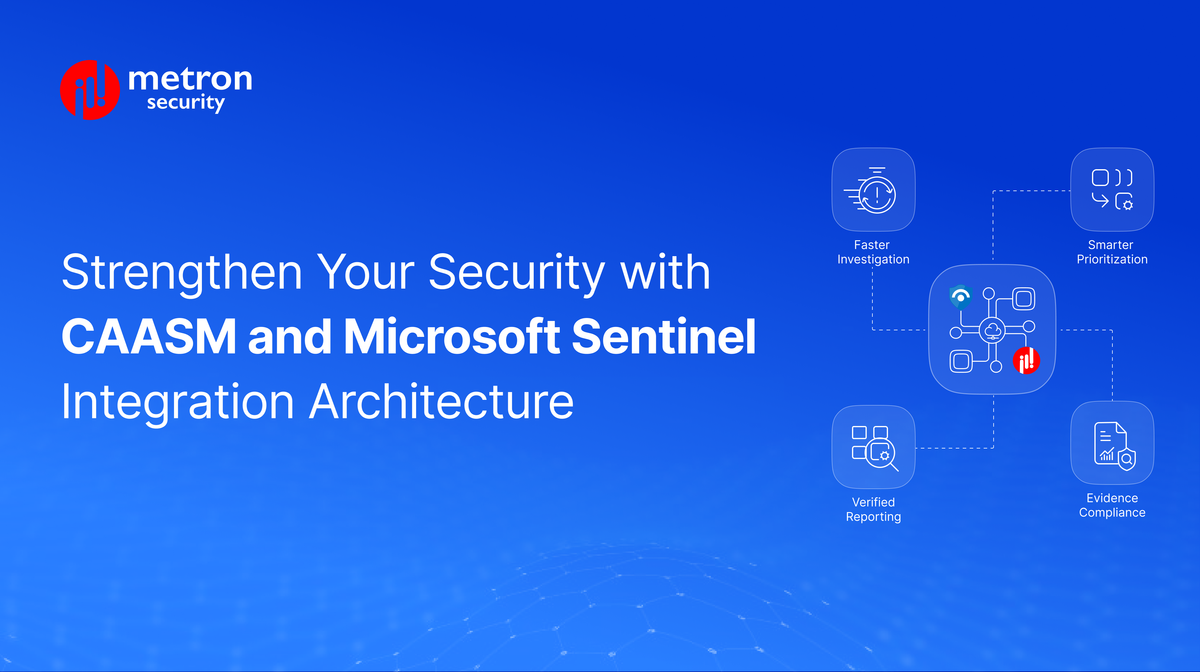
- Faster investigations (lower MTTR): Analysts don’t start from a blank hostname. They see: what the asset is, who owns it, what tools cover it, and what exposures exist—directly in the incident or via a single pivot.
- Smarter prioritization: Analytics rules can prioritize alerts where:
- The asset is critical,
- Has known high-severity exposures, or
- Lacks key security controls (no EDR, no vulnerability scanning, no backup).
- Cleaner hunting & reporting: Threat hunters can write KQL that joins alert tables with CAASM_Assets_CL and CAASM_Findings_CL to answer questions like:
- “Which externally-exposed assets have no corresponding Sentinel alerts in the last 30 days?”
- “Which endpoints with high-severity findings have never triggered EDR alerts?”
- Stronger compliance evidence: Workbooks can show coverage and gaps across asset classes, making it easier to demonstrate control effectiveness to auditors.
Field-Tested Rollout Tips
Rather than building “everything CAASM” into Sentinel on day one, start small and iterate:
- Start with a single, opinionated use case: For example: “Critical internet-facing assets with missing EDR.” Ingest just enough CAASM data to support that scenario (subset of assets + coverage flags).
- Design the schema for queries, not for the API: Flatten complex CAASM objects into columns that are easy to join and filter in KQL, instead of mirroring every nested JSON field.
- Use DCR transformations to keep ingestion lean: Drop fields that don’t matter for SIEM use cases, and normalize values (e.g., map multiple severity enums to a common scale).
- Pilot in one workspace/environment first: Start with a non-production or dedicated Sentinel workspace. Validate ingestion volume, cost, and typical query patterns before rolling out broadly.
- Build one workbook and 1–2 rules early: A simple workbook that visualizes “coverage vs. criticality” and a couple of rules that use CAASM joins will make the value tangible for the SOC team quickly.
Bottom Line
CAASM provides a unified, security-centric view of your assets and exposures. Microsoft Sentinel, in turn, offers analytics and responses at scale.
By integrating both via custom connectors, Logs Ingestion API, and playbooks, you turn CAASM’s asset graph into a first-class signal inside Sentinel, making detections richer, triage faster, and coverage gaps harder to miss.
Curious about making this integration yourself? Metron can help you design and implement this end-to-end, from CAASM data modelling and DCR/DCE setup to Sentinel analytics rules, workbooks, and playbooks tailored to your environment.
Looking to integrate your CAASM platform with Microsoft Sentinel or modernize an existing connector? Drop us a note at connect@metronlabs.com, and our team would be happy to assist.